2017
2d Melee Game Prototype
(Side scroller Melee combat)
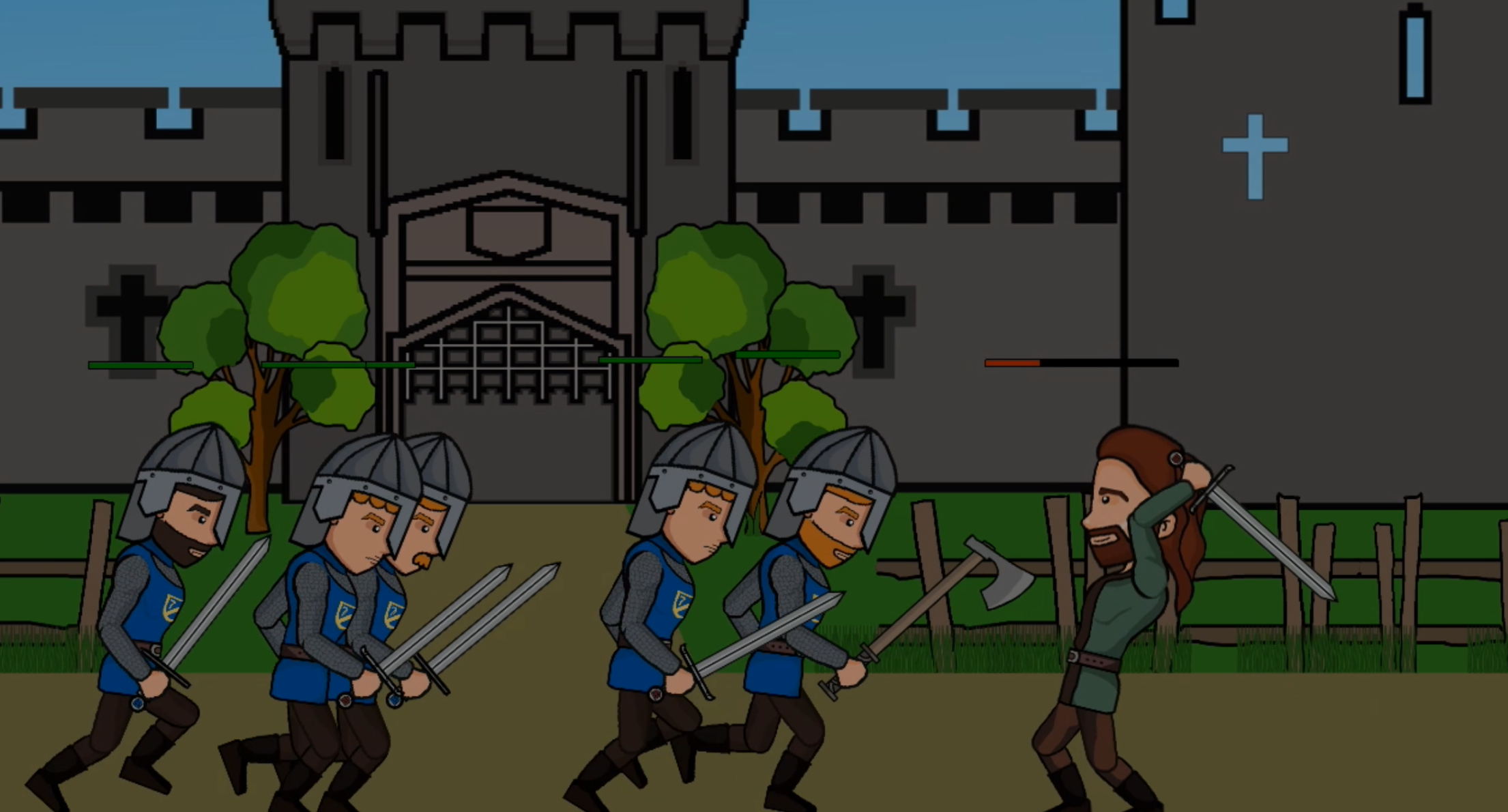
Info
Name
The Bastard Executioner Game Prototype
Project Type
Uni - Year 1 Group Project
Engine
Game Maker Studio 2
Features
Programming (Game Maker Language)
Fit to screen dynamic Resolution
Randomised Enemy heads
Working combat system using collision boxes
Weapon Array of 6 weapons with own speeds, damage and more
Action Camera (centres between all combatants)
Integrated Menu
Controller Support
Health system
Animation
Spine animation software
JSON files not Sprites
Many animations
Full character bone rig
Animated Menu
Audio
Background Music
Combat Sounds
Other
Art Assets
Tira Pace
Controls - Controller Only
Left analogue stick = Movement
A = Combat roll
B = Block
Y = Heavy Attack
X = Medium Attack
</> D-pad = Switch weapon
Top Down Shooter Prototype
(Twin Stick Shooter)
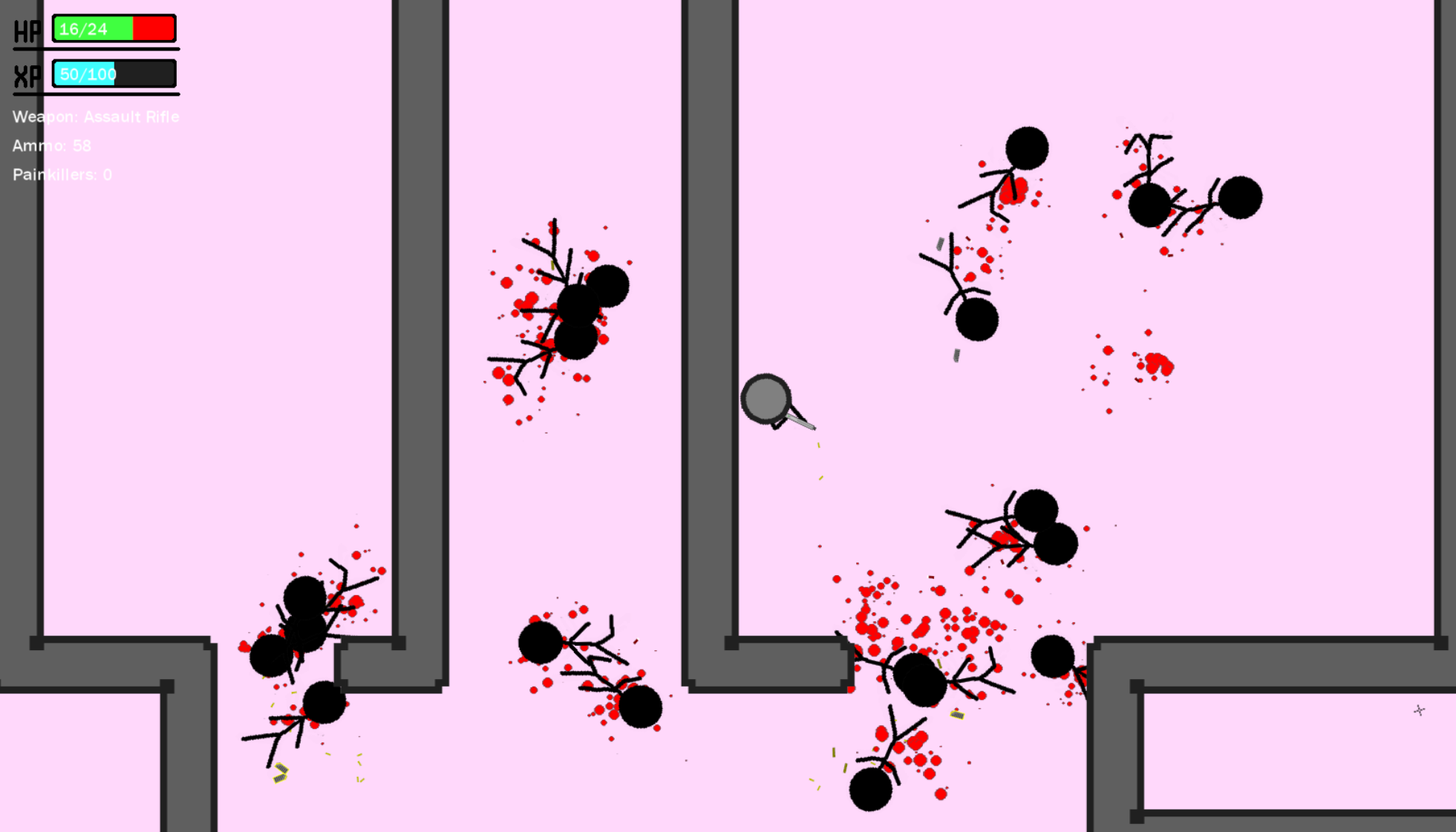
Info
Name
Project Ark
Project Type
Uni - Prototype
Engine
Game Maker Studio 2
Features
Programming (Game Maker Language)
Blood particles and procedural floor spots
Smooth Camera
Bullet shell random movement and drawn to ground once landed
4 Weapons with unique sound and camera shake
Menu
Wall Tiling tool
Bullet Collision and Damage system
Pickups
Health and Healing system
Blood Splatter and Particle system
Audio
Background Music
Weapon Sounds
Controls - Keyboard Only
W = Up
A = Left
S = Down
D = Right
Shift = Run
E = Painkillers
Mouse = Sight
Left Click = Fire
Scroll wheel = Change Weapon
Space = Pause Game
Esc = if in pause game screen press Esc to exit game
Lighting Tech Demo
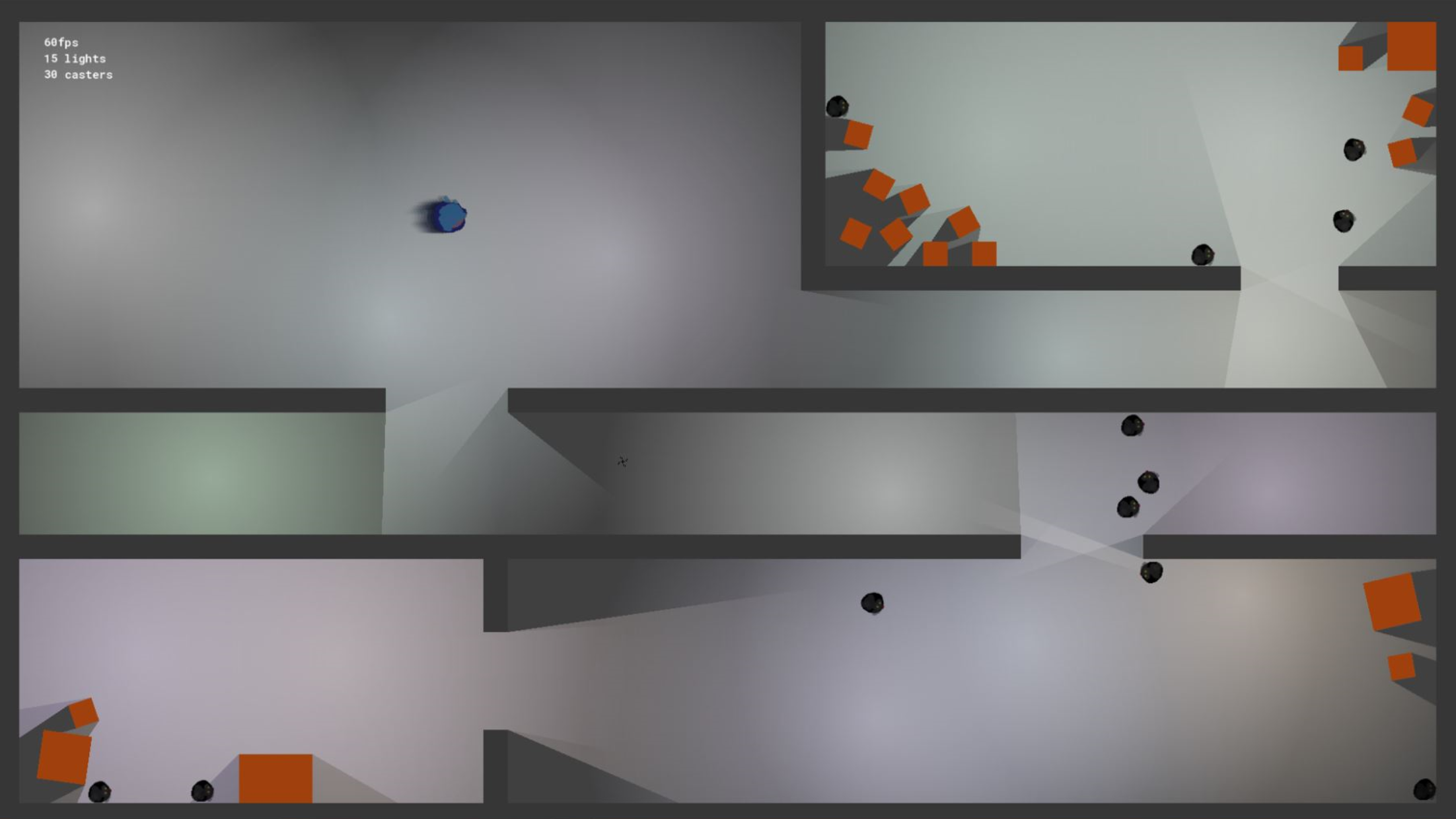
Info
Name
Guardian of Light
Project Type
Uni - Technical Demo
Engine
Game Maker Studio 2
Features
Programming (Game Maker Language)
Dynamic 2D Lighting System
Place Light sources at runtime with dynamic shadows
Basic movement and enemies
Fun Fact
Made in first week of Game Maker Studio 2 Engine Release,
possibly the first lighting system made on the engine.
Controls - Keyboard Only
W = Up
A = Left
S = Down
D = Right
Space = Place Lights
Left Click = Shoot
Underwater Platformer Prototype
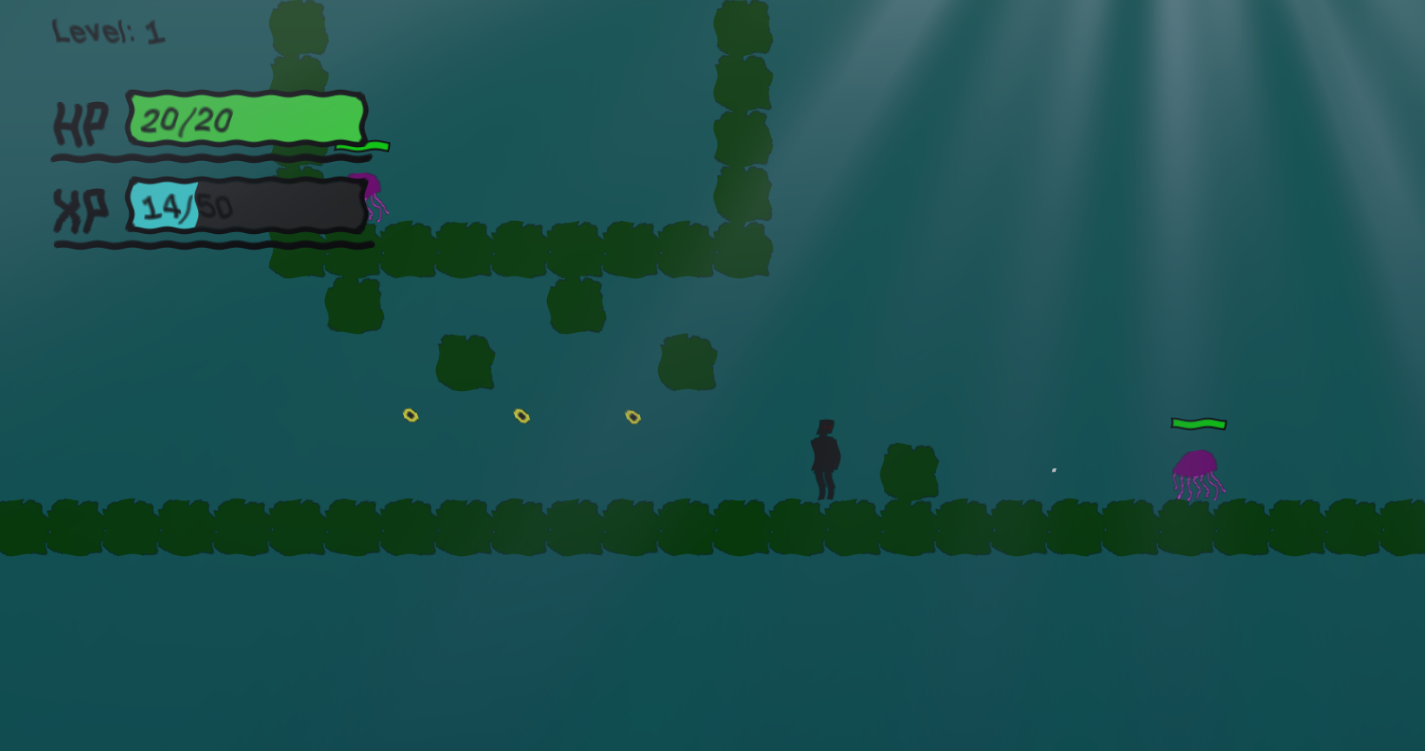
Info
Name
Underwater Platformer Prototype
Project Type
Uni - Prototype
Engine
Game Maker Studio 1.4
Features
Programming (Game Maker Language)
XP and Levelling System
Projectiles
Power ups (speed and jump height)
Keyboard and Controller Support
Time Dilation (Slow motion)
GLSL Shader
Water Shader
Controls - Controller
Left Stick = Movement
Left Stick Down = Slam
X = Float
A = Jump
B = Shoot
After Level 5
Left Bumper = Slow Time
After Level 10
Right Bumper = Speed Up Time
Controls - Keyboard
A = Move Left
D = Move Right
S = Slam
W = Float
Space = Jump
Left Click = Shoot
After Level 5
Tab = Slow Time
After Level 10
Shift = Speed Up Time